Overview
Meter provides automated NOS upgrades for network devices during scheduled maintenance windows. These upgrades are part of routine improvements to ensure network performance, security, and reliability.
Prerequisites
- Dashboard access with Admin or Network Admin permissions
- Alert receivers configured
Alert types
You can configure separate alerts for each stage of the upgrade process.
NOS upgrade scheduled
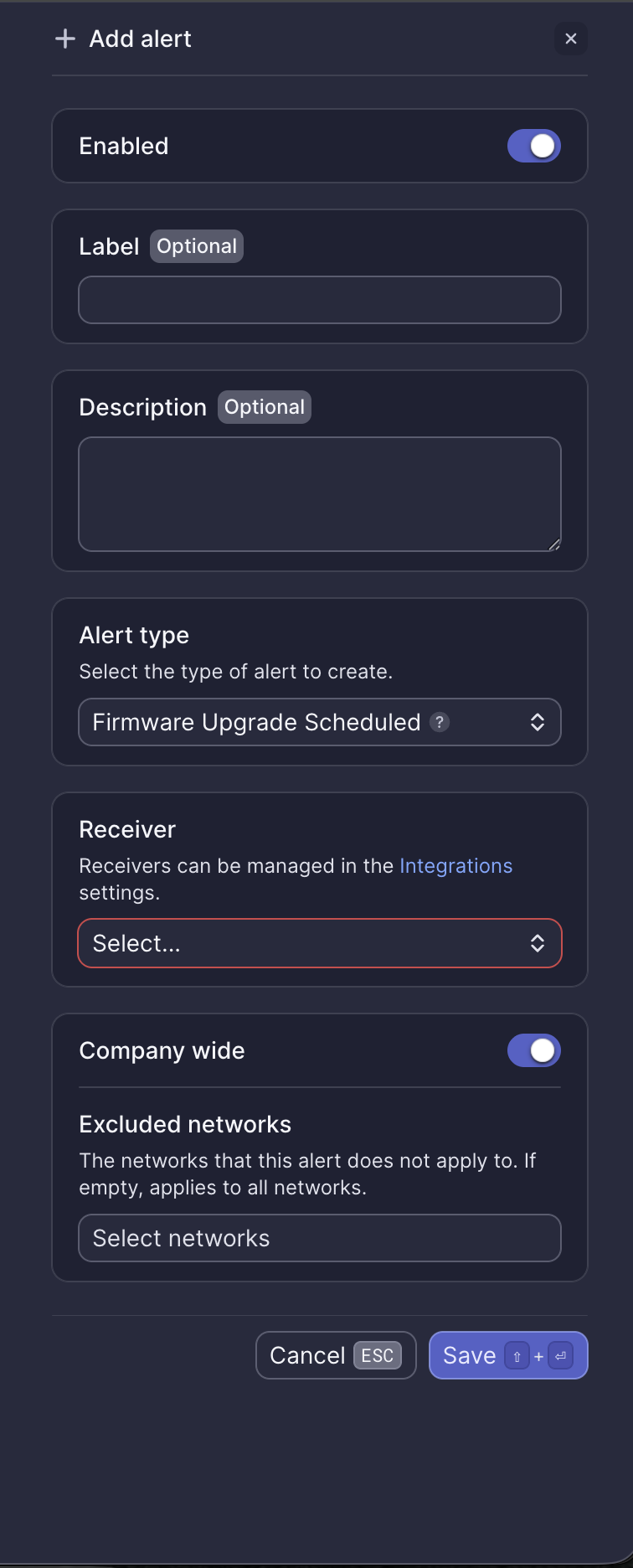
This alert notifies you that a NOS upgrade has been scheduled for your network during your designated maintenance window.
- No action is needed
- You can view or edit your maintenance window settings: Maintenance windows
NOS upgrade pending
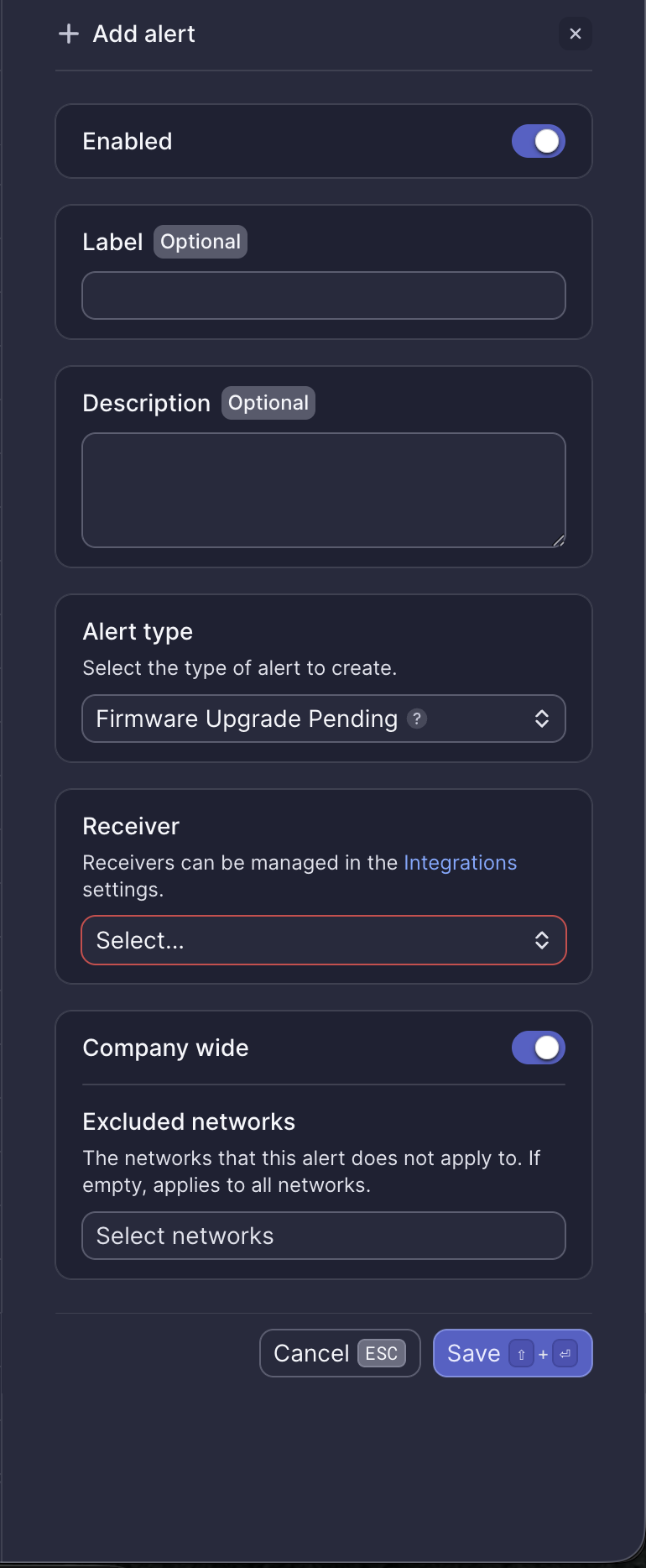
This alert indicates that the NOS upgrade process has begun and is currently in progress. Network devices may temporarily reboot as part of the upgrade.
- No action is needed
NOS upgrade completed
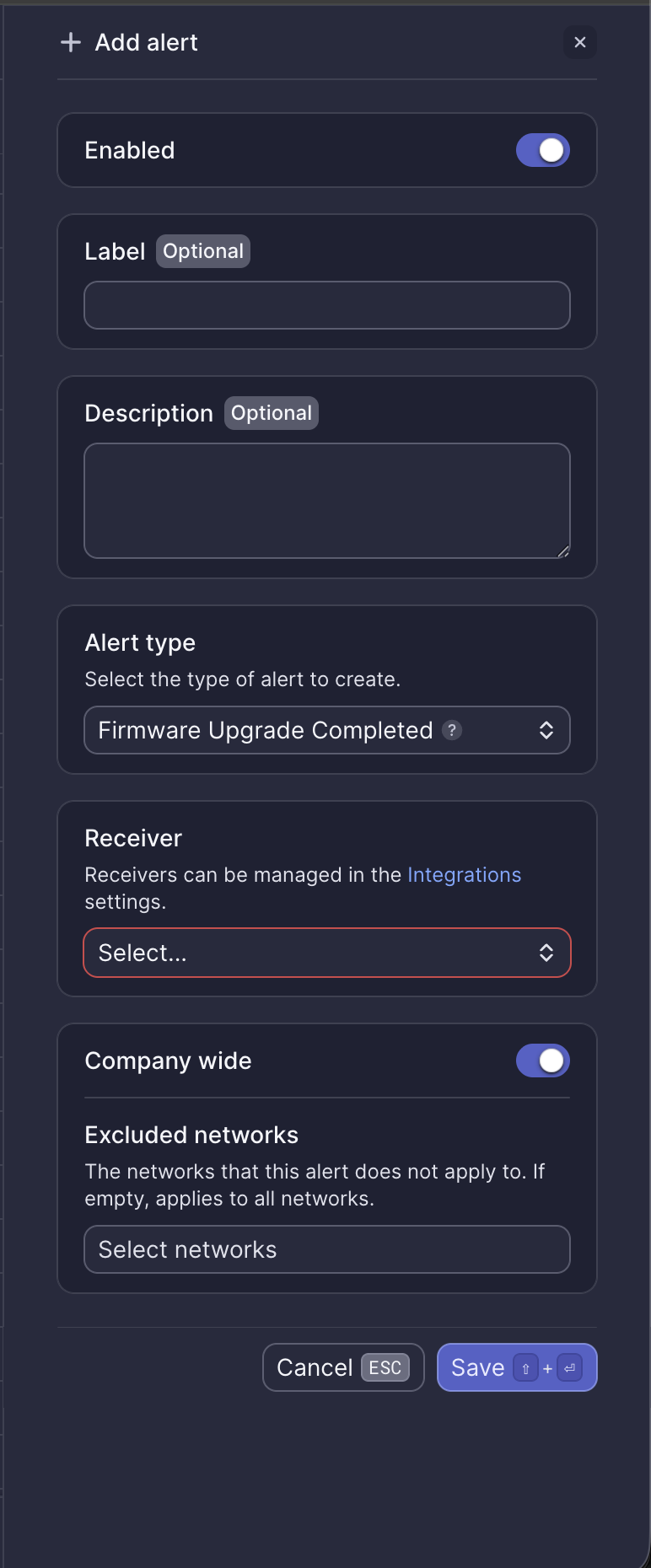
This alert confirms that the NOS upgrade has successfully completed.
- No action is needed
Configuration fields
All NOS upgrade alerts share the same configuration options:
| Field | Required | Description |
|---|---|---|
| Enabled | Yes | Toggle to activate or deactivate the alert (default: on) |
| Label | No | Custom name for this alert instance |
| Description | No | Additional notes about this alert |
| Alert type | Yes | Select the upgrade stage to monitor |
| Receiver | Yes | Select from configured receivers |
| Company wide | Yes | Apply to all networks or select specific networks |
| Excluded networks | No | Networks to exclude when Company wide is enabled |
Webhook event
This alert corresponds to the ALERT_FIRMWARE_UPGRADE_SCHEDULED webhook event. See Firmware upgrade scheduled webhook payload for integration details.
Need help?
If you notice any post-upgrade issues or have questions, please reach out to our Support Engineering team by opening a ticket via the Dashboard: https://dashboard.meter.com/support
Last updated by Meter Support Engineering on 01/23/2026