Floor Plans
Who can use this Feature?
- Any Dashboard user
Partners and Company Admins can add or remove the Floor Plans
The floor plan that Meter has on record for your location can be found under Design > Floor Plans
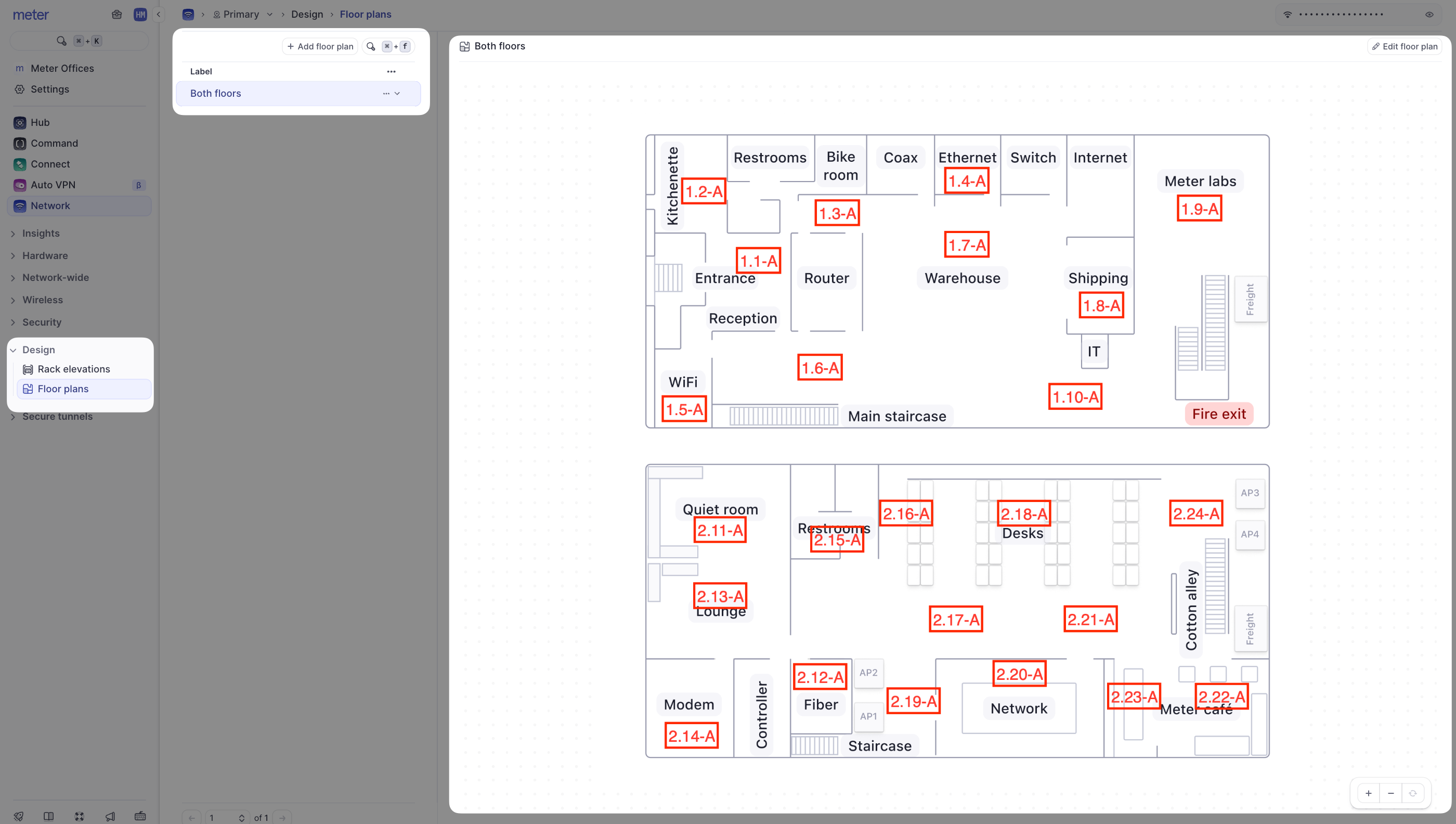
If your location has multiple floors they may be divided into separate ‘Floor plans’. They will all be listed under the ‘Label’ column. Click on each one to view the different floors.The floor plans will typically contain Access Point placements and room labeling if provided to Meter.
If any troubleshooting is needed, Meter Support may frequently reference this plan to get a gauge on client placement.
If you have any questions about the Radio Profiles or need further assistance, feel free to contact Meter Support at support@meter.com or submit a ticket in the Meter Dashboard.