

Who can modify this feature?
- Partner
- Company/Network Admins with write and read access
- Meter Support
Overview
To view the Meter network switches installed in your network, navigate to Hardware > Switches. This will bring you to the Switches overview page.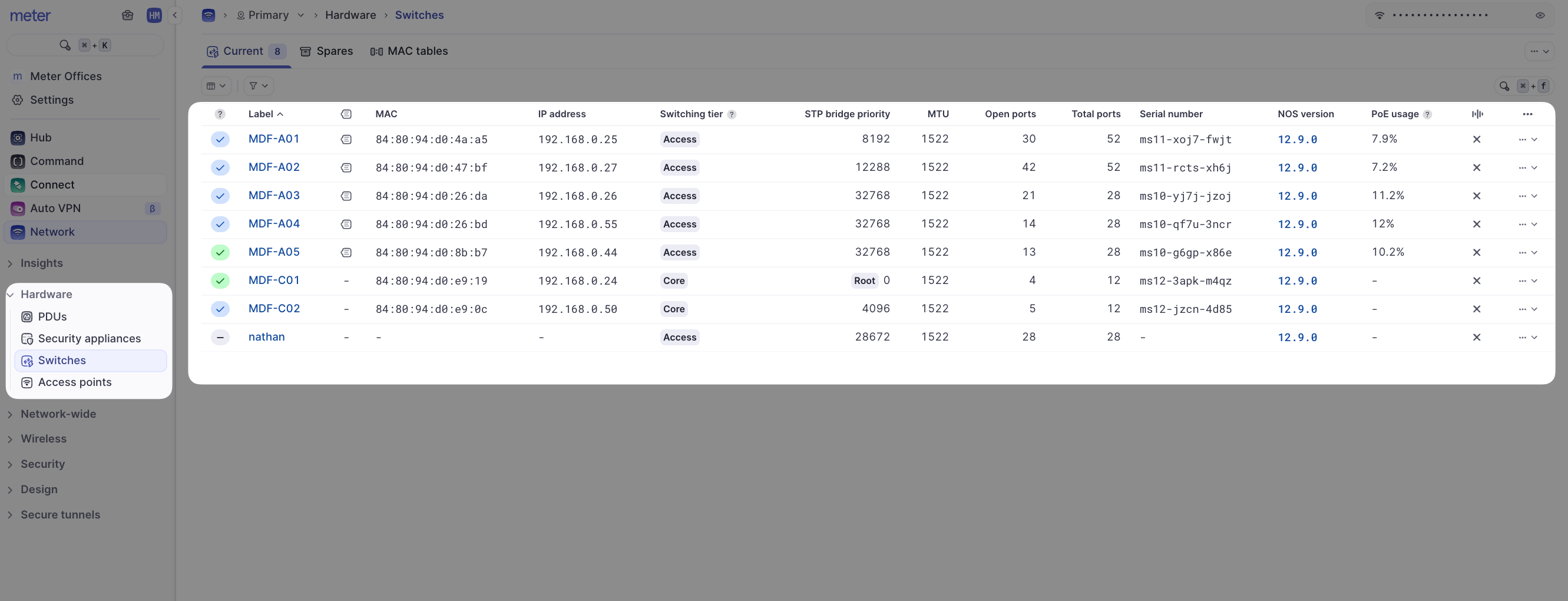
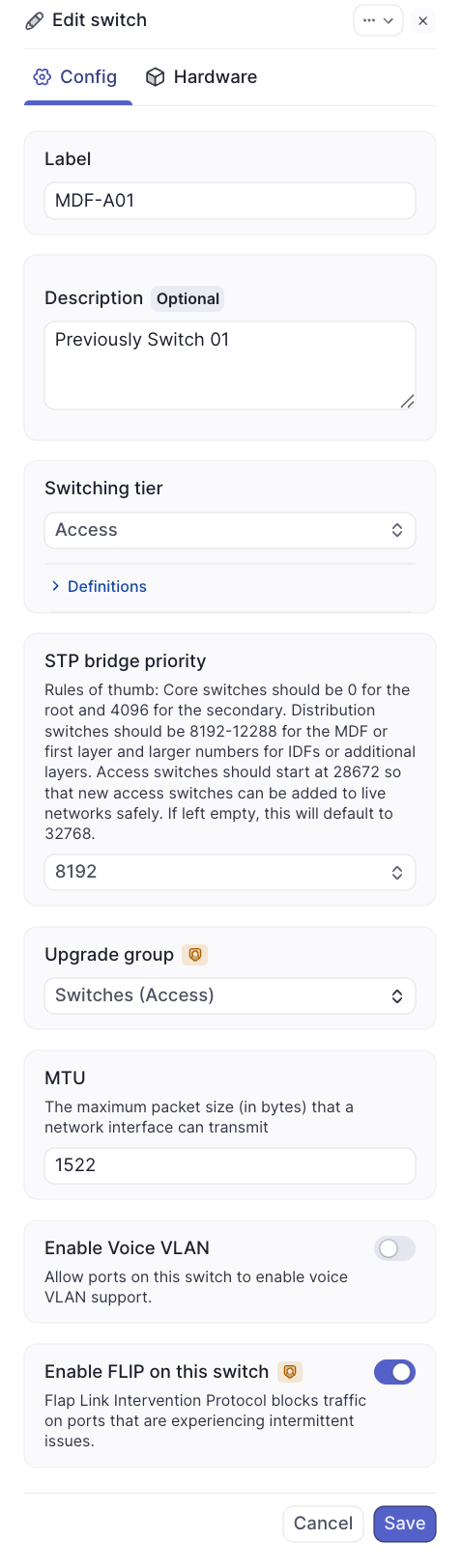
Actions menu
Clicking on the actions menu will reveal the following options: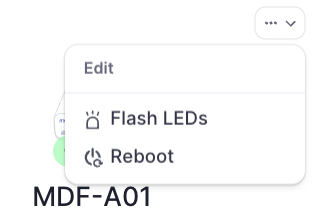
- View details - Opens the switch’s Insights page
- Flash LEDs - Makes the switch flash all of its LEDs in unison so the switch can be easily located in a network rack
- Reboot - Reboots the switch. Note the switch needs to be reporting as Online in the Dashboard for this functionality
- Refresh config - Forces the switch to pull a new config from the Dashboard. Note the switch needs to be reporting as Online in the Dashboard for this functionality
Related resources
- Insights - View detailed metrics for a switch
- Ports - View and configure switch ports
- MAC table - Locate devices by MAC address
- Voice VLAN - Configure VoIP traffic prioritization
Need help?
If you run into any issues or have questions, please reach out to our Support Engineering team by opening a ticket via the Dashboard: https://dashboard.meter.com/supportLast updated by Meter Support Engineering on 01/23/2026