MAC table
Who can access this feature?
- Partner
- Company/Network Admins with write and read access
- Meter Support
Overview
Switch MAC tables can easily locate a wired device if the MAC address is known.
To view switch MAC tables, click Hardware > Switches and click the desired switch.
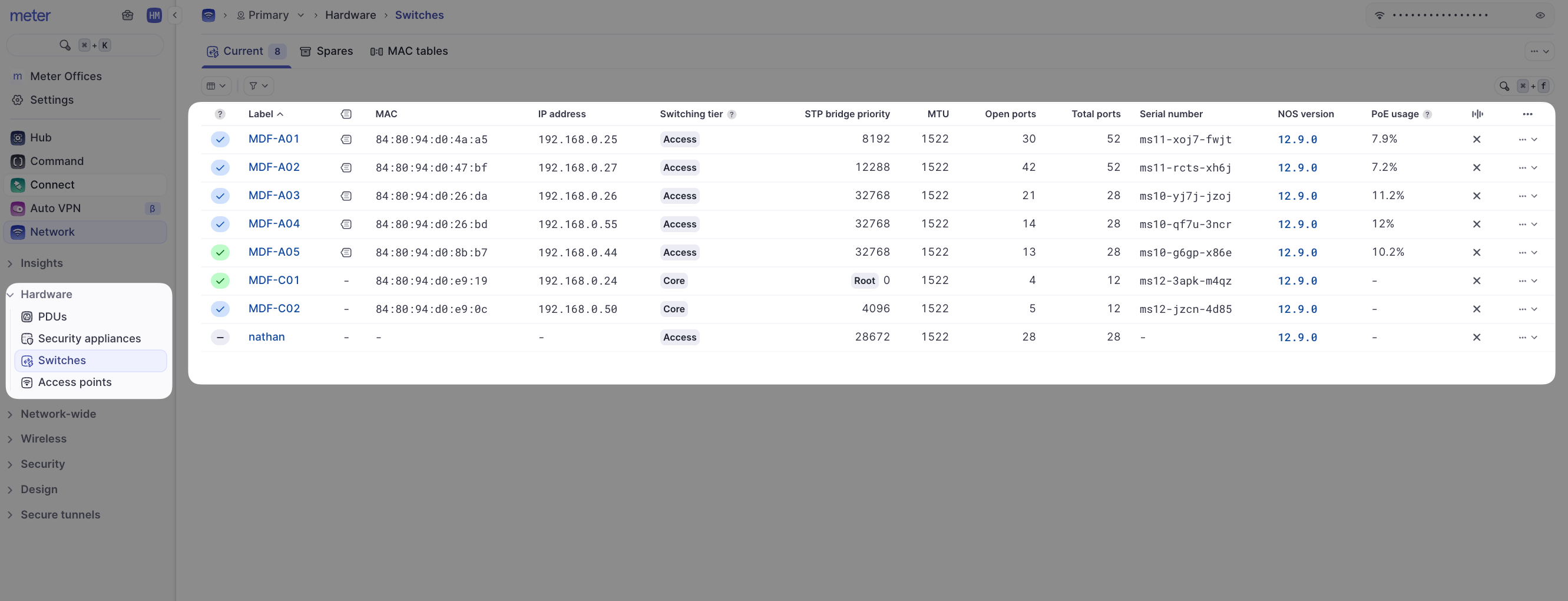
Then click MAC table at the top of the page:
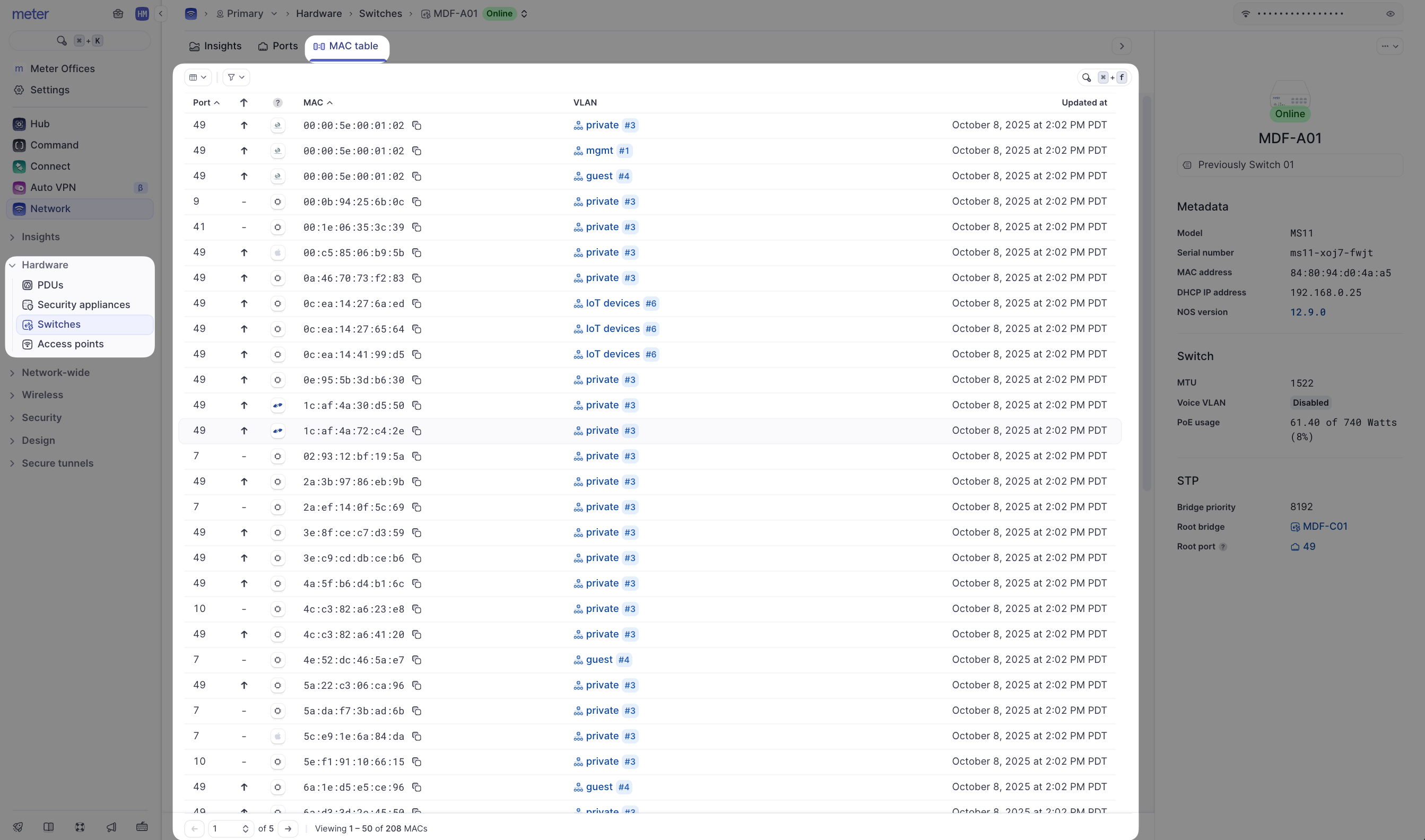
Use the Search bar to search for a known MAC address. The drop-down menu can quickly switch between the MAC tables of different switches.
Click on any column header to sort the list by the column field.
Need help?
If you run into any issues or have questions, please reach out to our Support Engineering team by opening a ticket via the Dashboard: https://dashboard.meter.com/support
Last updated by Meter Support Engineering on 01/23/2026