Who can access this feature?
- Partner
- Company/Network Admins with write and read access
- Meter Support
Overview
The BSSID is the MAC address associated with an access point's radio interface. On any client device, you can view the BSSID related to the Wi-Fi broadcast it is connected to.
The BSSID list is helpful to confirm if the BSSID you are connecting to is associated with the Meter network, or something else. For finding your client's BSSID refer to How to collect system information for Meter Support.
Meter BSSID list
To view all of the BSSIDs associated with Meter access points, open the Dashboard and navigate to Hardware > Access Points > BSSIDs.
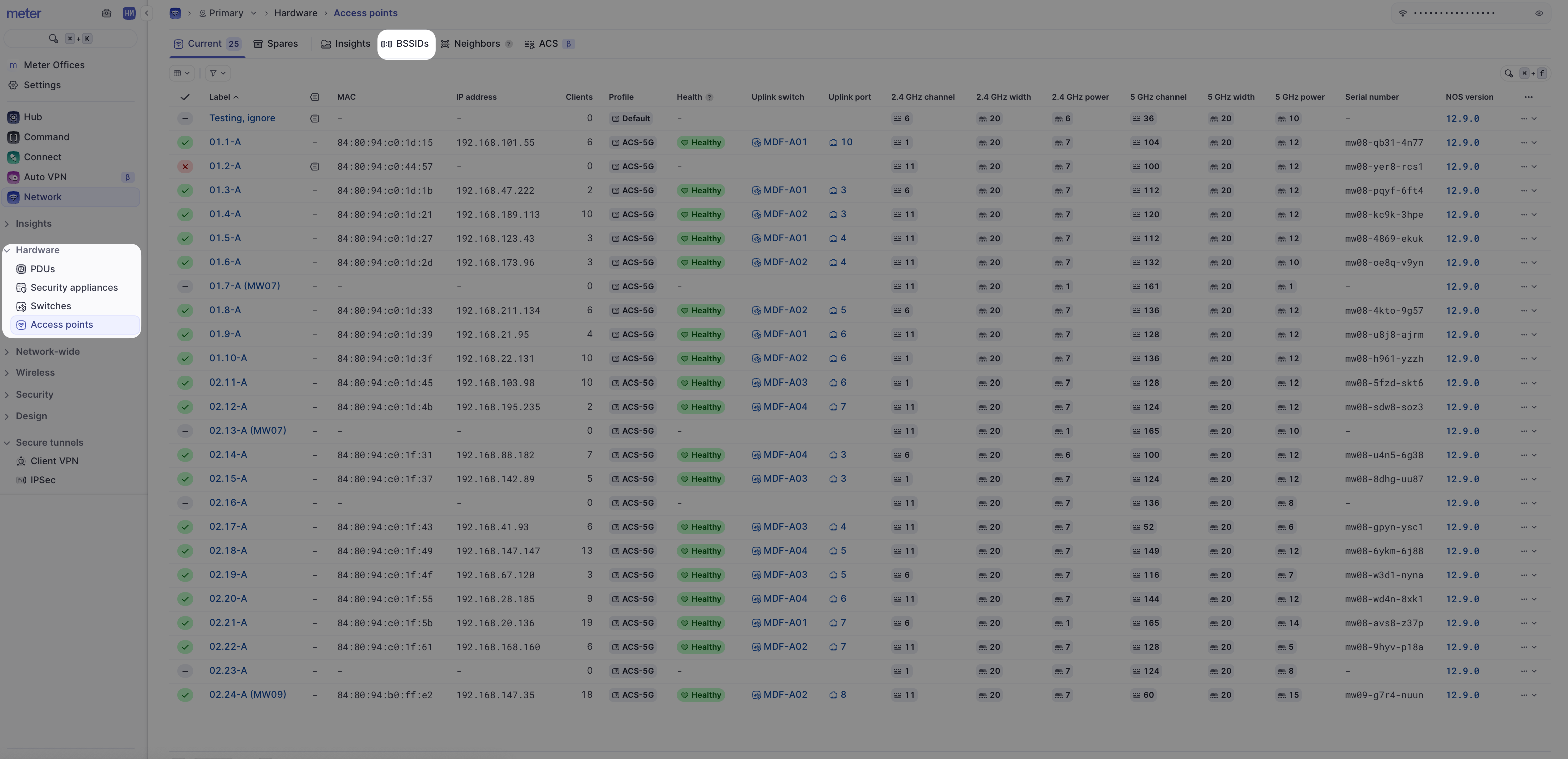
Here you will see a list of all of the BSSIDs associated with the Meter network, along with the SSID, access point, and radio (2.4 or 5 GHz) that they belong to.
The BSSID list for individual access points can also be found on each access point's Insights page.
Need help?
If you run into any issues or have questions, please reach out to our Support Engineering team by opening a ticket via the Dashboard: https://dashboard.meter.com/support
Last updated by Meter Support Engineering on 01/23/2026